
Agent-Accessible Software
How to make sure coding agents have a great experience using your software product.

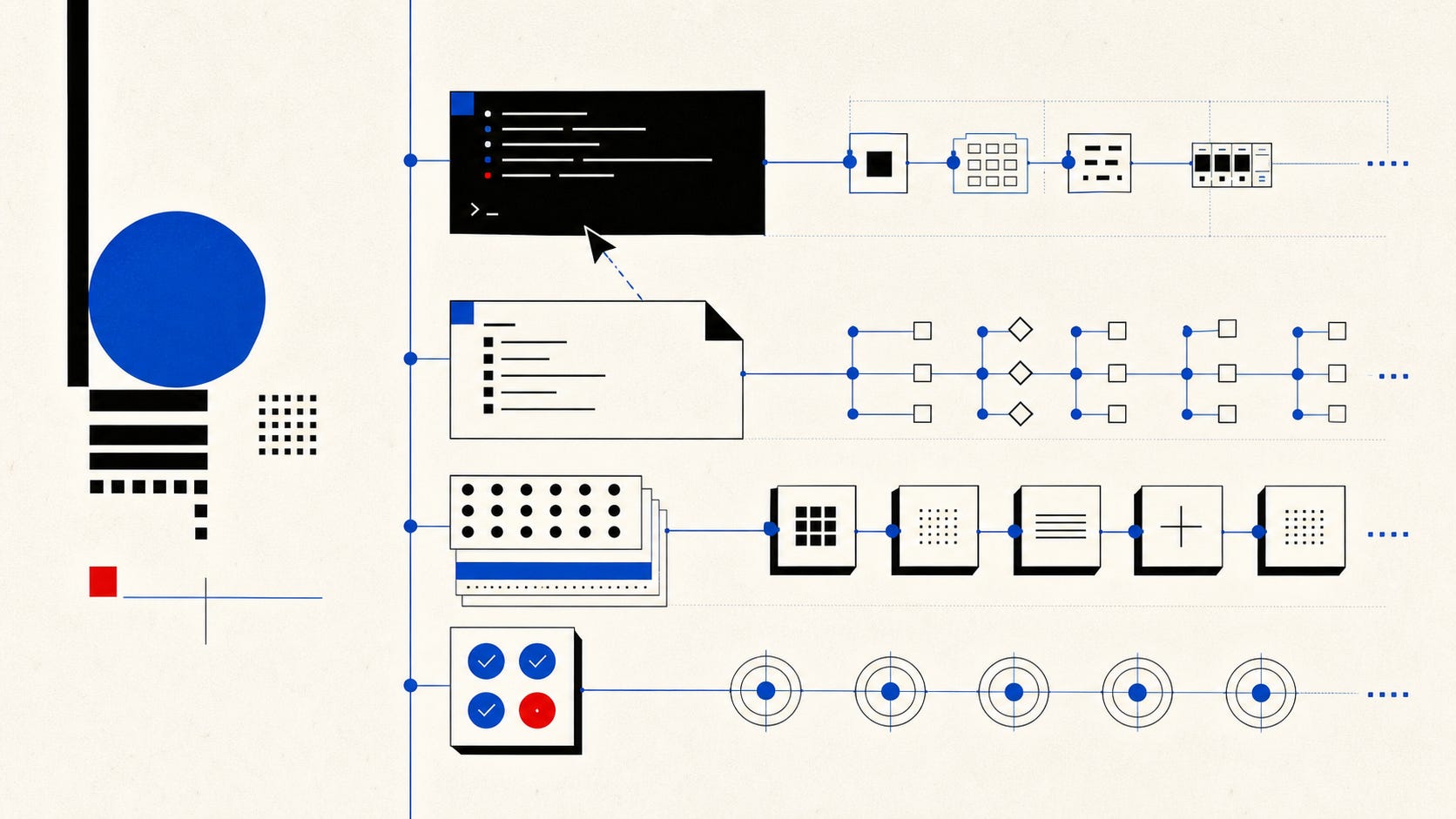
Building products was all about making sure software works for everyone. Intuitive interfaces, screen readers, keyboard navigation... Now there’s a new accessibility challenge, and it’s not about humans
It’s about making software accessible to agents. It’s the equivalent of UX but for Agents. Someone will coin “AX” soon I’m sure.
My thesis is that coding agents (or just agents) will be the primary users of software products in the future. To that extent, I wanted to write more about how to make sure software that’s built today can be created, edited, and used by coding agents. This is based on a few months of exploration and research (and learning a lot from great folks inside and out at UiPath).
Giving Agents a Great UX
Let’s say you’ve been agent-pilled and ready to make your software or product usable by an agent. When I say “agent-accessible,” I mean something specific. Software that a coding agent can read, use, extend, and test.
Right now, most software is built exclusively for human users. We design GUIs, write documentation in prose, and test by clicking through flows. But coding agents have different preferences. And when your software makes that hard, they either can’t use your software, use it poorly (too many tokens, too long), or fail.
Agent-accessible software has a few traits that seem to best practice: CLIs with --help flags and --output json for structured responses. An AGENTS.md file in the repo root that tells agents what they need to know. Skills that encode domain knowledge. APIs that return semantic data — names, not just IDs.
How to let Coding Agents use your product
An architecture is emerging for how to make software agent-friendly. I think of it as four layers, each doing a different job.
Layer 1: AGENTS.md — passive context, always loaded. This is the simplest layer and, surprisingly, one of the most effective. An AGENTS.md file sits in your repo root and gives agents persistent instructions — what the project does, how to build and test it, which conventions to follow. Vercel tested this and found AGENTS.md achieves a 100% pass rate on their evals, compared to a 53% baseline without it. That’s not a marginal improvement. That’s the difference between an agent that works and one that doesn’t. Skills still matter too - and Ver(see #3).
Layer 2: CLI — active tooling. Build a CLI first. Not because CLIs are trendy again, but because LLMs were trained on billions of lines of CLI documentation. They already know git. Every --help flag is just-in-time context that costs ~200 tokens, compared to the thousands an MCP schema dumps upfront. Seems it’s time to move on from MCP. One intersting finding from OpenClaw is that it actually doesn’t have MCP support. Instead, OpenClaw has a tool that wraps any MCP with a CLI and gives that to OpenClaw instead.
ScaleKit benchmarked CLI vs MCP for GitHub tasks with Claude Sonnet. The numbers are striking.
The full GitHub MCP server — all 93 tools — burns roughly 55,000 tokens in schema alone before any actual work begins. That’s like handing a new hire a 200-page employee handbook before letting them touch a keyboard.
Layer 3: Agent Skills — specialized knowledge. Skills give domain, procedural and other types of knowledge to your agent efficiently (token efficiency). Primarily, this is achieve by the fact that Skills work through progress disclosure - so the context window only get injected with what the agent needs. Anthropic open-sourced this standard as SKILL.md files with progressive disclosure: agents load only what they need, when they need it. Microsoft, Vercel, Stripe, and Supabase have adopted the format. Over 350,000 skill packages exist as of early 2026.
Agent Accessible UX should be Automated by Agents
Here’s the part I find most interesting. This whole agent interface doesn’t have to be hand-built.
Interanlly, as a team, you should be using coding agents or services like stainless to auto-generate the whole stack. SDKs from API specs, CLIs from SDKs. Then Skills should be generated off of the CLI too. The agent interface is generated end-to-end from the same source of truth as the human interface. Change your API, and your CLI, SDK, and documentation update automatically. Your skills too.
Team will be able to move fastest when they treat coding agents as first class citizens - and use them to generate the delta needed to enable it as well.
Testing for Agents as Users
If you accept that agents are a user base, then you need to test for them. This means extending your automated tests, adding new operational metrics, and introduce automated evals too.
The practical move: add agent-based evals alongside your existing tests. Give a coding agent a task that uses your tool. Measure whether it succeeds. If it doesn’t, that’s a bug — the same way a broken screen reader label is an accessibility bug. Anthropic’s guidance is direct: minimize tokens, maximize signal. Consolidate tools into composite actions. Return semantic data. Polish your tool descriptions like onboarding guides for new hires.
Y Combinator CEO Garry Tan built a CLI instead of using MCP, citing reliability. The Perplexity CTO publicly moved away from MCP toward APIs and CLIs in March 2026. These aren’t theoretical positions — they’re teams that tested both approaches and picked the one that worked.
Sherif Maktabi is an ex-Amazon AI Product Leader with 10+ years building software and hardware at startups and big-tech. If you’ve enjoyed reading this - consider subscribing and sharing with friends!